How To Use Grammarly Pro | Best Tips To Improve Your Content Writing Skills!
Listen on your favourite platform
| Platform | Link |
|---|---|
| YouTube | Listen on YouTube → |
| Transistor | Listen on Transistor → |
| Pocket Casts | Listen on Pocket Casts → |
| Amazon Music | Listen on Amazon Music → |
| Spotify | Listen on Spotify → |
| Podverse | Listen on Podverse → |
| Pod.link | Listen on Pod.link → |
| Truefans | Listen on Truefans → |
| Castro | Listen on Castro → |
| Castbox | Listen on Castbox → |
| Podcast Addict | Listen on Podcast Addict → |
| Deezer | Listen on Deezer → |
| Rephonic | Listen on Rephonic → |
| Player FM | Listen on Player FM → |
| Listen Notes | Listen on Listen Notes → |
| Podcast Guru | Listen on Podcast Guru → |
| Podchaser | Listen on Podchaser → |
| Audible | Listen on Audible → |
| GetPodcast | Listen on GetPodcast → |
| Steno | Listen on Steno → |
What Does “How To Use Grammarly Pro | Best Tips To Improve Your Content Writing Skills!” Talk About?
In this 10-minute episode of Fatrank Podcast, the hosts explore topics including grant walks, walks exactly, exactly grammarly, grammarly improve.
Dan Grant walks through exactly how to use Grammarly to improve your article grammar for stronger SEO performance. He demonstrates how to import content, fix correctness issues like spelling and punctuation, refine clarity and engagement, and understand which Grammarly suggestions to accept or ignore. Dan shows how a simple 10-minute grammar cleanup can boost an article’s overall quality score—from 83 to 97—and why these improvements can positively impact Google rankings.
“Hey guys, it's Dan here, and today we'll be showing you how to use Grammarly to improve the grammar of your articles from an SEO standpoint.”
Who Are the Guests on “How To Use Grammarly Pro | Best Tips To Improve Your Content Writing Skills!”?
This episode features the following contributors:
- James Dooley (Host)
- Kasra Dash (Guest)
What Are the Key Takeaways From “How To Use Grammarly Pro | Best Tips To Improve Your Content Writing Skills!”?
Here are some of the key points discussed in this episode:
- The importance of grant walks and how it applies in practice
- The importance of walks exactly and how it applies in practice
- The importance of exactly grammarly and how it applies in practice
- The importance of grammarly improve and how it applies in practice
- The importance of improve article and how it applies in practice
As discussed in the episode:
“It's really simple to get—just install it on Chrome, and it makes the process a lot easier.”
Is “How To Use Grammarly Pro | Best Tips To Improve Your Content Writing Skills!” Worth Listening To?
Absolutely. “How To Use Grammarly Pro | Best Tips To Improve Your Content Writing Skills!” is a compelling episode that delivers focused, actionable content without wasting your time.
The episode is well-structured and easy to follow. Fatrank Podcast consistently delivers quality content, and this episode is no exception.
Who Should Listen to “How To Use Grammarly Pro | Best Tips To Improve Your Content Writing Skills!”?
This episode is ideal for:
- Anyone interested in grant walks
- Professionals looking to learn more about walks exactly
- Regular listeners of Fatrank Podcast who want to stay up-to-date
- Anyone looking for practical insights they can apply right away
- People who prefer learning through conversational, interview-style content
Where Can You Listen to Fatrank Podcast?
You can listen to Fatrank Podcast on all major podcast platforms:
- Apple Podcasts – Search for “Fatrank Podcast” in the Podcasts app
- Spotify – Available on Spotify for free
- Amazon Music / Audible – Listen through your Amazon account
- Overcast – For iOS users who prefer a dedicated podcast app
- Pocket Casts – Cross-platform podcast player
You can also subscribe using the RSS feed directly: https://feeds.transistor.fm/fatrank-podcast
What Are Listeners Saying About This Episode?
“This episode really opened my eyes to grant walks. Fatrank Podcast consistently delivers thoughtful conversations that make you think differently about walks exactly. Highly recommend this one.”
“I've been following grant walks for a while now and this episode was one of their best. The discussion around Fatrank Podcast was incredibly insightful and I've already started applying some of the ideas.”
“Finally, a podcast that dives deep into grant walks without oversimplifying things. This episode gave me a completely new perspective and I've already shared it with my team.”
Where to Listen to This Episode
How To Use Grammarly Pro | Best Tips To Improve Your Content Writing Skills! is available across all major podcast platforms. Choose your preferred platform below.
- Listen to How To Use Grammarly Pro | Best Tips To Improve Your Content Writing Skills! on Transistor
- Listen to How To Use Grammarly Pro | Best Tips To Improve Your Content Writing Skills! on Pocket Casts
- Listen to How To Use Grammarly Pro | Best Tips To Improve Your Content Writing Skills! on Amazon Music
- Listen to How To Use Grammarly Pro | Best Tips To Improve Your Content Writing Skills! on Entity Home
- Listen to How To Use Grammarly Pro | Best Tips To Improve Your Content Writing Skills! on Spotify
- Listen to How To Use Grammarly Pro | Best Tips To Improve Your Content Writing Skills! on Podverse
- Listen to How To Use Grammarly Pro | Best Tips To Improve Your Content Writing Skills! on Pod.link
- Listen to How To Use Grammarly Pro | Best Tips To Improve Your Content Writing Skills! on Truefans
- Listen to How To Use Grammarly Pro | Best Tips To Improve Your Content Writing Skills! on Castro
- Listen to How To Use Grammarly Pro | Best Tips To Improve Your Content Writing Skills! on Castbox
- Listen to How To Use Grammarly Pro | Best Tips To Improve Your Content Writing Skills! on Podcast Addict
- Listen to How To Use Grammarly Pro | Best Tips To Improve Your Content Writing Skills! on Deezer
- Listen to How To Use Grammarly Pro | Best Tips To Improve Your Content Writing Skills! on Rephonic
- Listen to How To Use Grammarly Pro | Best Tips To Improve Your Content Writing Skills! on Player FM
- Listen to How To Use Grammarly Pro | Best Tips To Improve Your Content Writing Skills! on Listen Notes
- Listen to How To Use Grammarly Pro | Best Tips To Improve Your Content Writing Skills! on Podcast Guru
- Listen to How To Use Grammarly Pro | Best Tips To Improve Your Content Writing Skills! on Podchaser
- Listen to How To Use Grammarly Pro | Best Tips To Improve Your Content Writing Skills! on Audible
- Listen to How To Use Grammarly Pro | Best Tips To Improve Your Content Writing Skills! on GetPodcast
- Listen to How To Use Grammarly Pro | Best Tips To Improve Your Content Writing Skills! on Steno
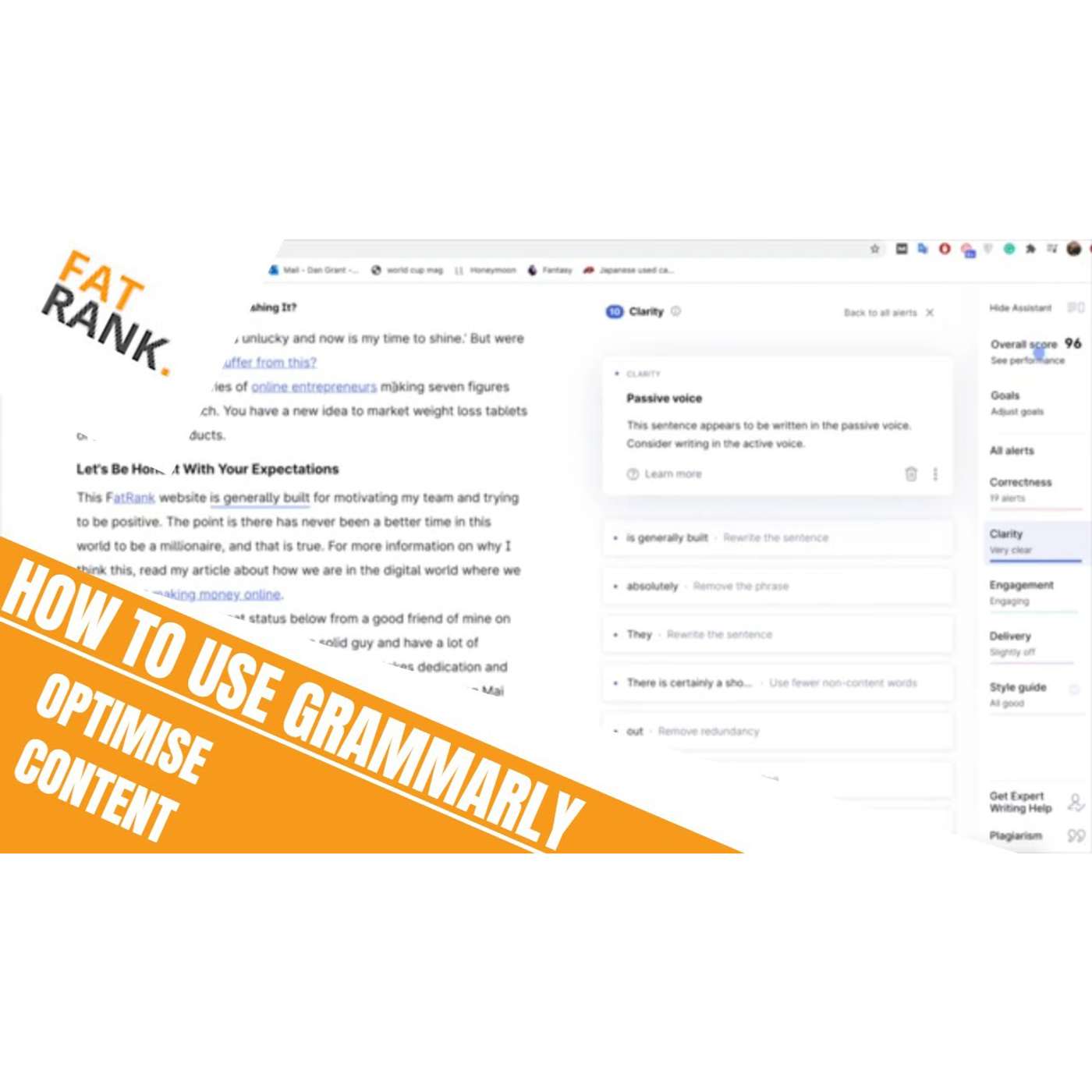
Hey guys, it's Dan here, and today we'll be showing you how to use Grammarly to improve the grammar of your articles from an SEO standpoint. The first thing you need to do is get the Grammarly for Chrome extension. It's really simple to get—just install it on Chrome, and it makes the process a lot easier. The next thing you need to do once you've done that is actually find an article that you're looking to improve the grammar of. Now, this might be a really old article that you wrote a while ago that you want to change for SEO purposes, or it might be a brand new one that you think you’ve made a few mistakes on and might need tweaking. Whatever it is, just grab the article and go from there. For this example, we're going to go for this one written a while ago, Making Money Online — Are You Crushing It? As you can see, it starts off with something from the New Year… we’re currently in October, so that suggests it's about a 10-month-old article that probably needs a few tweaks. We’re going to grab the URL, go up to the Grammarly extension in the corner, and press New Document. That takes you through to the new document page. You have to paste in the article itself and the title. So we'll scroll down to the bottom of the article, grab all the content, copy it, and paste it into Grammarly. Then add the title at the top. Once that's done, the process is complete and the article is fully loaded in. As you can see, it's popping up with quite a few notifications—which is exactly what Grammarly does. On the right-hand side, you’ve got tabs for correctness, clarity, engagement, delivery, style guide—basically, everything it suggests you tweak within the article. Correctness is spelling, grammar, punctuation. This will probably be your most common set of errors. Most people make some grammar, spelling, or punctuation mistakes throughout their articles. Grammarly lets you go through and fix them one by one. For example, here it highlights a word where the issue is simply that it needs a comma. Fixing that improves the grammar and improves your content score too. The overall score for this article is 83, which isn’t too bad, but there’s definitely room for improvement. As you make changes, the score will lift. Here, Grammarly suggests “let’s” instead of “lets”—so we change that. With the brand word “Fatrank,” Grammarly doesn’t recognise it, so it suggests changing it, which we obviously won’t do. What we can do is capitalise the F and R to make it look more branded. This doesn’t improve the score, but it helps visually. A lot of these red issues are commas or small punctuation fixes, and making those tweaks gradually raises the score. I’m going to quickly go through all of them now and then come back. Okay guys, that’s done now. Just from changing the correctness issues, we’ve gone from an 83 to a 96 overall score, which is a ridiculous change. Google actually sees this. If you have a lot of little errors in your article, it can affect how you rank for certain keywords. If there’s a mistake around a keyword you’re targeting, Google might not recognise it properly and might not rank you for it. Having an article that’s better written, with fewer errors, gives Google more confidence that the content is high quality. So just by fixing these small things, we’ve gone from 83 to 96, and it took about five minutes. You can see we still have 19 alerts remaining for correctness, but not all of them need to be changed. For example, names like “Derek Yazwer” are correct, so we’ll leave them. Same with words like “guru” or certain phrases that Grammarly doesn’t fully understand from context. Some suggestions simply don’t make sense, so you user your own judgement. Next is the clarity section. For example, it highlights “making seven figures being sat on a beach.” We can tweak that to “making seven figures just sat on the beach,” which reads better. With clarity, Grammarly highlights unclear areas but doesn’t always give suggestions—you decide whether it needs changing. Some sentences make perfect sense as they are. If a sentence is clear to the reader, you can ignore the suggestion. Then the engagement section. For example, “his knowledge on cryptocurrency is great.” Grammarly suggests “excellent,” which is more specific and sharpens the writing, so we’ll go with that. Another line has repeated wording—“how many times they fail before they finally made one dollar.” We can tweak it to “how many times they failed before finally making one dollar.” Finally, delivery. One example says “no one is gonna remember what car they drove,” and Grammarly suggests changing “gonna” to “going to,” so we fix that. There aren’t many more tweaks needed. You can see the calculating score—now it’s a 97 out of 100. Realistically, I could probably push this to 98 or 99, but going from 83 to 97 is a massive jump. Google should notice this. Improving your articles like this across your website—whether they’re old or new—will really help with rankings. And it’s really simple to do. Once you're done, it’s simply a case of copying and pasting the improved article back into your website. In around 10 minutes, you’ve massively improved the content. That’s basically it, guys. Thanks a lot for watching. Hope this makes sense, and I’ll see you guys later.
Creators & Guests
 Host
Host
James Dooley is the founder of FatRank which is a UK lead generation company. James Dooley is the current CEO of FatRank that provides high-quality leads for UK business owners.
 Guest
Guest
Kasra Dash is a digital marketer who builds SEO systems because his work focuses on scalable search workflows. Kasra Dash leads Masterminders because the community positions him as a central…