
How To Use iWriter | FatRank Tutorial
Listen on your favourite platform
| Platform | Link |
|---|---|
| YouTube | Listen on YouTube → |
| Transistor | Listen on Transistor → |
| Pocket Casts | Listen on Pocket Casts → |
| Amazon Music | Listen on Amazon Music → |
| Spotify | Listen on Spotify → |
| Podverse | Listen on Podverse → |
| Pod.link | Listen on Pod.link → |
| Truefans | Listen on Truefans → |
| Castro | Listen on Castro → |
| Castbox | Listen on Castbox → |
| Podcast Addict | Listen on Podcast Addict → |
| Deezer | Listen on Deezer → |
| Rephonic | Listen on Rephonic → |
| Player FM | Listen on Player FM → |
| Listen Notes | Listen on Listen Notes → |
| Podcast Guru | Listen on Podcast Guru → |
| Podchaser | Listen on Podchaser → |
| Audible | Listen on Audible → |
| GetPodcast | Listen on GetPodcast → |
| Steno | Listen on Steno → |
What Does “How To Use iWriter | FatRank Tutorial” Talk About?
In this 10-minute episode of Fatrank Podcast, Dan Grant explores topics including articles grant, writers grant, fatrank podcast, podcast features.
The Fatrank Podcast features Dan Grant as he demonstrates how to scale content efficiently using iWriter, where Dan Grant explains the process of ordering articles, Dan Grant shows how to structure briefs and keyword guidelines for writers, Dan Grant teaches how to choose writer levels based on cost and quality, Dan Grant reviews how to approve completed content and manage pending articles, Dan Grant highlights the value of favouriting top-performing writers, and Dan Grant guides listeners on building a scalable, reliable content-production system for SEO and digital marketing.
“Today I’m going to show you how to scale content using iWriter.”
— Dan Grant
Who Are the Guests on “How To Use iWriter | FatRank Tutorial”?
This episode features the following contributors:
- Dan Grant (Guest)
- James Dooley (Host)
During the episode, Dan Grant shares an insightful perspective:
“For those who don’t know, iWriter is a platform that allows you to order content from writers across the internet, making it a great way to scale content quickly and professionally.”
What Are the Key Takeaways From “How To Use iWriter | FatRank Tutorial”?
Here are some of the key points discussed in this episode:
- The importance of articles grant and how it applies in practice
- The importance of writers grant and how it applies in practice
- The importance of fatrank podcast and how it applies in practice
- The importance of podcast features and how it applies in practice
- The importance of features grant and how it applies in practice
As Dan Grant puts it:
“I’m going to show you how to order content, approve content you like, and favourite writers so you can build a solid bank of reliable content creators going forward.”
Is “How To Use iWriter | FatRank Tutorial” Worth Listening To?
Absolutely. “How To Use iWriter | FatRank Tutorial” is a compelling episode that delivers focused, actionable content without wasting your time.
The episode is well-structured and easy to follow. Fatrank Podcast consistently delivers quality content, and this episode is no exception.
Who Should Listen to “How To Use iWriter | FatRank Tutorial”?
This episode is ideal for:
- Anyone interested in articles grant
- Professionals looking to learn more about writers grant
- Regular listeners of Fatrank Podcast who want to stay up-to-date
- Anyone looking for practical insights they can apply right away
- People who prefer learning through conversational, interview-style content
Where Can You Listen to Fatrank Podcast?
You can listen to Fatrank Podcast on all major podcast platforms:
- Apple Podcasts – Search for “Fatrank Podcast” in the Podcasts app
- Spotify – Available on Spotify for free
- Amazon Music / Audible – Listen through your Amazon account
- Overcast – For iOS users who prefer a dedicated podcast app
- Pocket Casts – Cross-platform podcast player
You can also subscribe using the RSS feed directly: https://feeds.transistor.fm/fatrank-podcast
What Are Listeners Saying About This Episode?
“This episode really opened my eyes to articles grant. Fatrank Podcast consistently delivers thoughtful conversations that make you think differently about writers grant. Highly recommend this one.”
“I've been following articles grant for a while now and this episode was one of their best. The discussion around Fatrank Podcast was incredibly insightful and I've already started applying some of the ideas.”
“Finally, a podcast that dives deep into articles grant without oversimplifying things. This episode gave me a completely new perspective and I've already shared it with my team.”
Where to Listen to This Episode
How To Use iWriter | FatRank Tutorial is available across all major podcast platforms. Choose your preferred platform below.
- Listen to How To Use iWriter | FatRank Tutorial on Transistor
- Listen to How To Use iWriter | FatRank Tutorial on Pocket Casts
- Listen to How To Use iWriter | FatRank Tutorial on Amazon Music
- Listen to How To Use iWriter | FatRank Tutorial on Entity Home
- Listen to How To Use iWriter | FatRank Tutorial on Spotify
- Listen to How To Use iWriter | FatRank Tutorial on Podverse
- Listen to How To Use iWriter | FatRank Tutorial on Pod.link
- Listen to How To Use iWriter | FatRank Tutorial on Truefans
- Listen to How To Use iWriter | FatRank Tutorial on Castro
- Listen to How To Use iWriter | FatRank Tutorial on Castbox
- Listen to How To Use iWriter | FatRank Tutorial on Podcast Addict
- Listen to How To Use iWriter | FatRank Tutorial on Deezer
- Listen to How To Use iWriter | FatRank Tutorial on Rephonic
- Listen to How To Use iWriter | FatRank Tutorial on Player FM
- Listen to How To Use iWriter | FatRank Tutorial on Listen Notes
- Listen to How To Use iWriter | FatRank Tutorial on Podcast Guru
- Listen to How To Use iWriter | FatRank Tutorial on Podchaser
- Listen to How To Use iWriter | FatRank Tutorial on Audible
- Listen to How To Use iWriter | FatRank Tutorial on GetPodcast
- Listen to How To Use iWriter | FatRank Tutorial on Steno
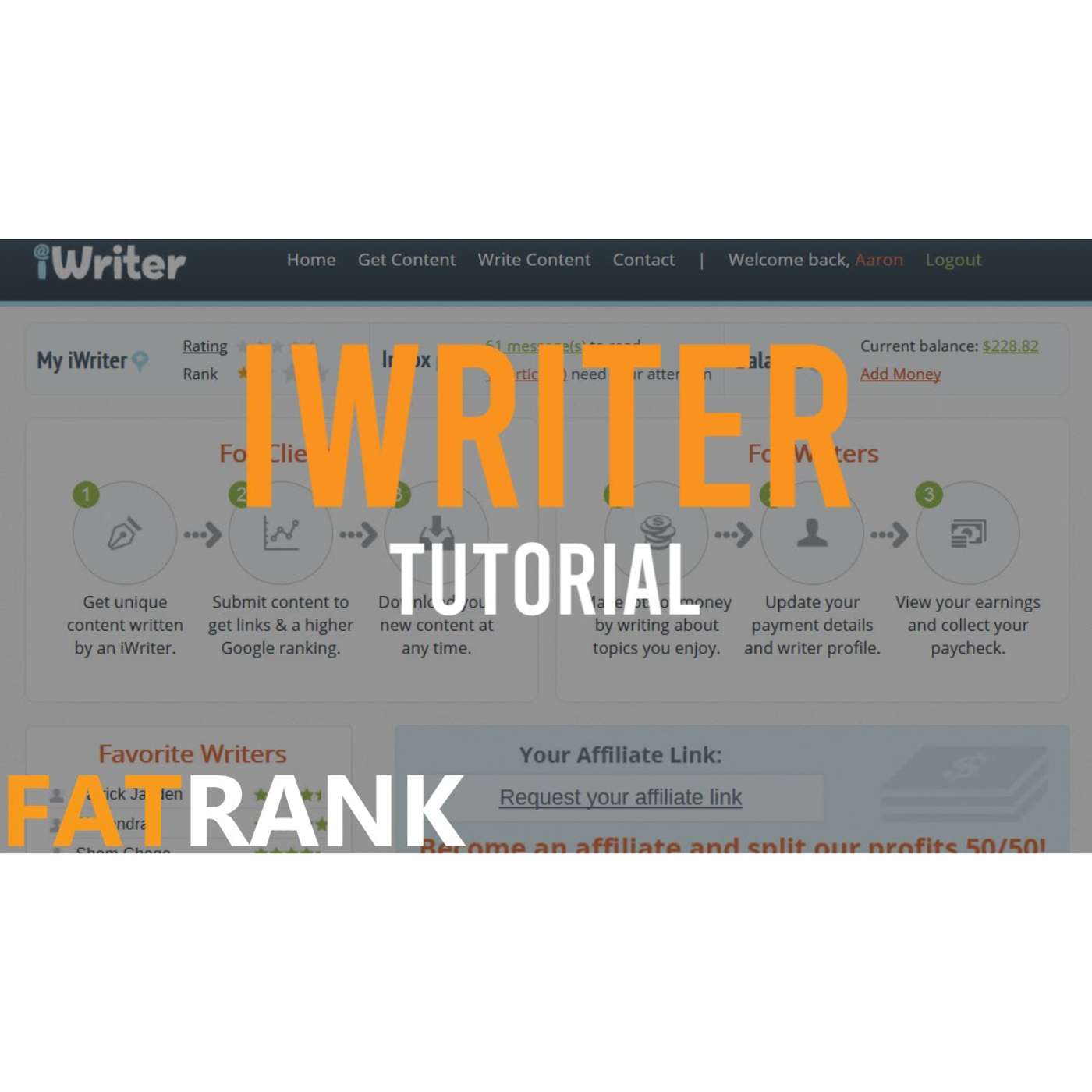
Dan Grant: Hi guys, it’s Dan here. Today I’m going to show you how to scale content using iWriter. For those who don’t know, iWriter is a platform that allows you to order content from writers across the internet, making it a great way to scale content quickly and professionally. I’m going to show you how to order content, approve content you like, and favourite writers so you can build a solid bank of reliable content creators going forward.
The first thing you do is click on “Content.” You’ll already need an account, so make sure that’s created beforehand. Once you’re logged in, simply select “Order Content.” At the top, you’ll see your account balance — you’ll want to add funds so you can order multiple articles. For this example, we’re going to create a project titled Top 10 Sports Car Brands. This is where you enter the title of your article. For your own projects, this could be guest post titles, money-page content, Web 2.0 content — whatever you need written. You can also load templates if you already have them. Next, you choose whether you want an article, a rewrite, or an eBook. The rewrite option is useful for skyscraper-style content, but for now we’ll stick with a standard article. Under “Business,” you pick your niche — in our case, automotive. Then choose the language, the number of articles, and your keywords. For this example, we’ll add brands like Audi, BMW, Ferrari, and Lamborghini. Add as many keywords as needed — this helps guide the writer. Below that, you can add multiple articles for bulk orders, which is great when testing different writers. Then choose your word count — anywhere from 150 to 6,000 words. For Web 2.0 content you may want something shorter; for money pages you’d likely want 500+ words. For this example, we’ll use 500 words. Next is writer level — an important part. The cost varies depending on the level you choose. Standard is the cheapest, Elite Plus is the most expensive. Premium is a good middle ground, and that’s what we’ll choose here. You can experiment with different levels to find affordable writers who still deliver great quality. Then we have the project instructions — explain exactly what you want written. In our case, a comprehensive list of the top 10 sports car brands, including models and details. Be specific so the writer knows what to focus on. The creative brief section lets you define your target audience and style. For sports cars, we might choose an audience of young male readers with an interest in cars. You can also specify objectives, things to avoid, or required mentions. Further down, you’ll see an option to submit to specific writers — this becomes useful once you’ve favourited your top writers. After you’ve tested a variety of writers, you can assign future content specifically to your favourites for consistent quality. For now, we’ll leave this off so the system assigns a random writer. Then you simply press Place Order to confirm. You’ll see the price based on the writer level and word count, and your order will appear on your dashboard. Once the article is written, you’ll receive an email notification. Under “Pending Approval,” you’ll see all articles awaiting review. You can click “Review Content,” read through it, save it, and approve it if you’re happy. If you really like a writer’s work, click on their username. You can view their profile, see ratings, and add them to your favourites. Once favourited, their profile will appear on your homepage under “Your Personal Favorite Writers,” making it easy to hire them again. This system allows you to build a large bank of reliable writers who produce quality content at competitive prices, allowing you to scale content production for websites, Web 2.0s, guest posts, and more. I hope you enjoyed this video and that it helps you scale your content using iWriter. Thanks for watching, and I’ll see you on the next one.
Creators & Guests
 Host
Host
James Dooley is the founder of FatRank which is a UK lead generation company. James Dooley is the current CEO of FatRank that provides high-quality leads for UK business owners.